

Efficiently organizing and managing information has become an essential skill. I’ve grown weary of flashy applications that prioritize style over substance. Many of these fancy products feel like toys designed to capture user interest, only to lock them into cloud-based subscriptions. Tools that give users complete control over their data are becoming rare.
About CherryTree
The software named CherryTree stands out as an exception. This open-source note-taking application has won over many users with its powerful features, clean interface, and cross-platform compatibility (Windows/macOS/Linux). While its interface might look vintage – reminiscent of the late 90s – its functionality remains robust and relevant. What I find most appealing is its flexible data storage options, allowing offline saving in some user-specified formats.
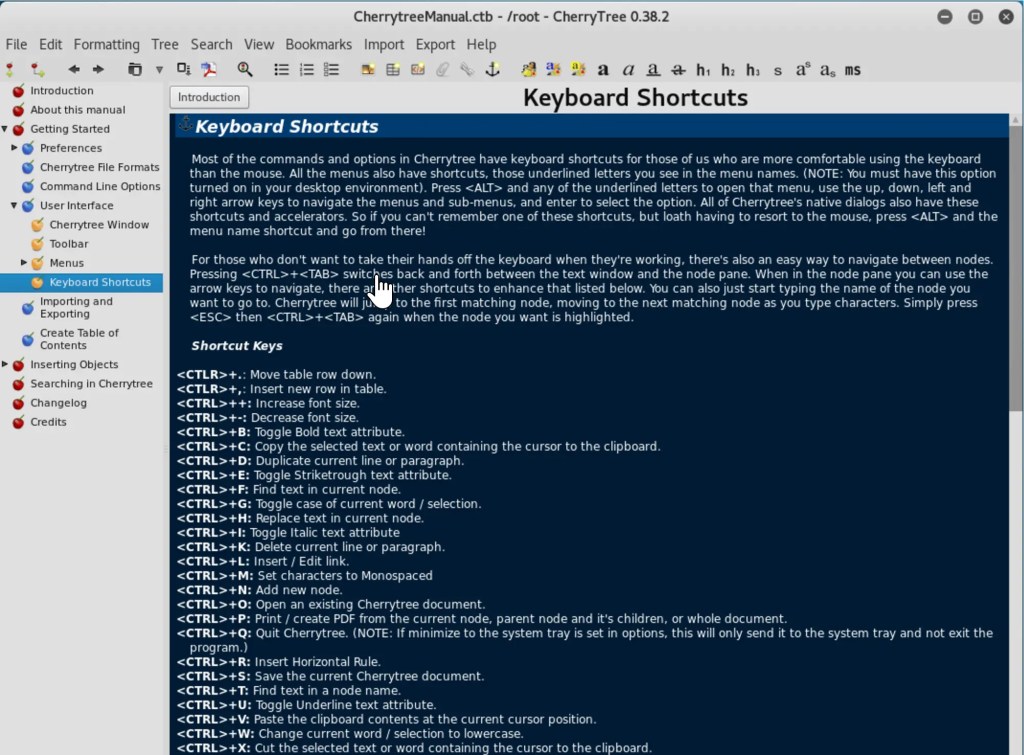
Flexible Tree Structure: Your Knowledge Map
CherryTree organizes notes in a tree structure, similar to how we organize folders in real life. You can create multiple branches to categorize related notes, making it easy to locate information when needed. This structured approach makes CherryTree particularly effective for organizing study notes, research materials, project documentation, and writing resources. It serves as your knowledge map, providing a clear overview of all information while enabling easy browsing and retrieval.
Rich Editing Features: Meeting All Your Needs
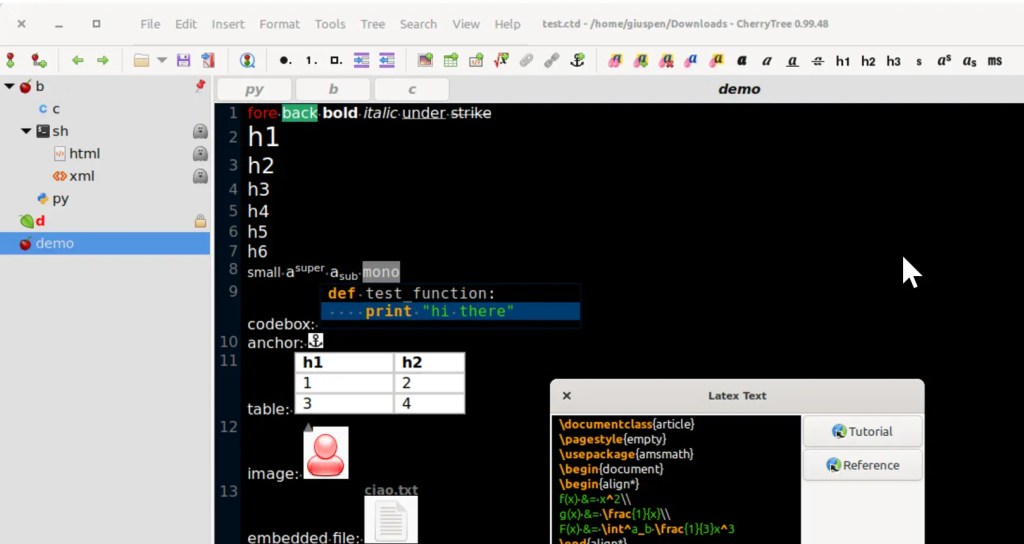
The application offers comprehensive text editing capabilities, supporting various formats including bold, italic, underline, hyperlinks, code blocks, and image insertion. It includes syntax highlighting for code editing and supports LaTeX syntax for mathematical formulas, adding professional polish to your notes. While a smaller installation package without LaTeX is available, storage space isn’t much of a concern these days.
Powerful Search Functionality: Quick Information Retrieval
CherryTree’s robust search feature allows you to search through your entire note tree or limit searches to specific nodes and sub-nodes. Whether you’re looking for a particular concept, code snippet, reference material, or reviewing previous notes, CherryTree helps you locate information quickly and efficiently.
Multi-Format Support: Strong Compatibility
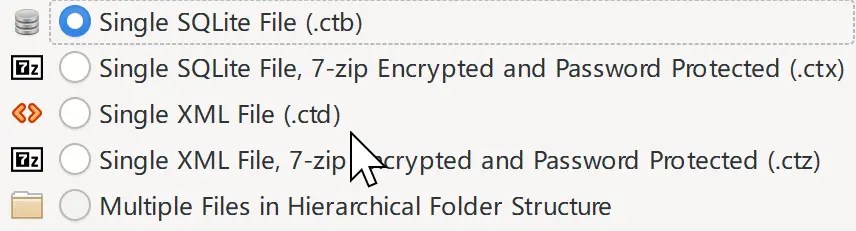
The application supports various file formats, including XML, SQLite, HTML, and TXT. You can export notes to different formats for use in other applications, ensuring seamless data exchange across different devices and platforms.
Cross-Platform Freedom: Use It Anywhere
As a cross-platform application, CherryTree runs on Windows, macOS, and Linux systems. This versatility makes it a go-to choice for many users, providing a consistent experience regardless of their operating system.
Additional Highlights
CherryTree offers several other powerful features:
- Code execution capabilities for quick testing and verification
- Support for images, tables, and links
- Password protection for secure note-keeping
- Automatic linking between related notes
- Multi-language support for global users
Getting Started with CherryTree
You can download CherryTree from its official website or GitHub page. With its intuitive interface and straightforward operation, even beginners can quickly get up to speed.
Conclusion
CherryTree is a powerful yet user-friendly note-taking tool that offers efficient note management through its flexible organization, rich features, and cross-platform compatibility. Whether you’re a student, researcher, programmer, or writer, CherryTree is worth exploring.
If you find the interface challenging to adapt to, you might want to consider LogSeq – another outline-based knowledge management tool with equally powerful features that’s also open-source. I might cover that in detail in a future post.



 My Own Sys
Leave a comment