

Here’s a tool that preserves, annotates, and lets you browse pages offline.
A lot of what we learn comes from browsing the web, and plenty of pages hold long-term value.
Many of us bookmark the good stuff, but browser bookmarks only save a URL. They don’t guarantee the content will still exist tomorrow. Pages get pulled, redesigned, or moved; even basic news articles can disappear within months. I also bookmark product sites for research, and those homepages can change monthly. In these cases, a tool that can save a page offline exactly as it was becomes essential.
Some people use the browser’s “Save page as” (HTML). That usually creates one HTML file plus a folder full of assets—a pain to move and manage, and easy to break. MHTML can distort content. Safari’s WEBARCHIVE is locked to Safari’s ecosystem. Screenshots? Not searchable, and you lose structure and interaction.
Years ago I suggested “Print to PDF,” which was common at the time. But on many sites, embedded elements and styles don’t render faithfully, and layout issues can hurt readability.
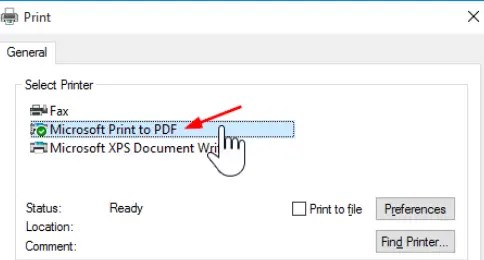
If you want to pack a web page “as-is” into a single file you can open offline anytime, you need something more specialized. A single file means you can organize, move, and sync with ease—perfect for building a file-based knowledge base.
SingleFile, at a glance

SingleFile is a free, open-source Chrome extension that captures a web page into one self-contained HTML file—layout, images, styles, even fonts and scripts. For someone like me who likes to pull web knowledge into a local library, it’s a must-have.
If you’re familiar with similar tools, you might shrug: lots of apps save pages offline. The difference is that SingleFile goes all the way. I won’t claim 100% compatibility with every site, but in my experience the saved pages are virtually identical to the originals. It even handles delayed-loading content that other tools capture as “still loading” blanks.
Here’s an example: a Notion subpage saved with SingleFile. It preserved images, styles, and layout—and even kept the page’s responsive behavior when you zoom. The result is a roughly 5 MB single-file HTML. Double-click it anytime and you get the original look and feel.
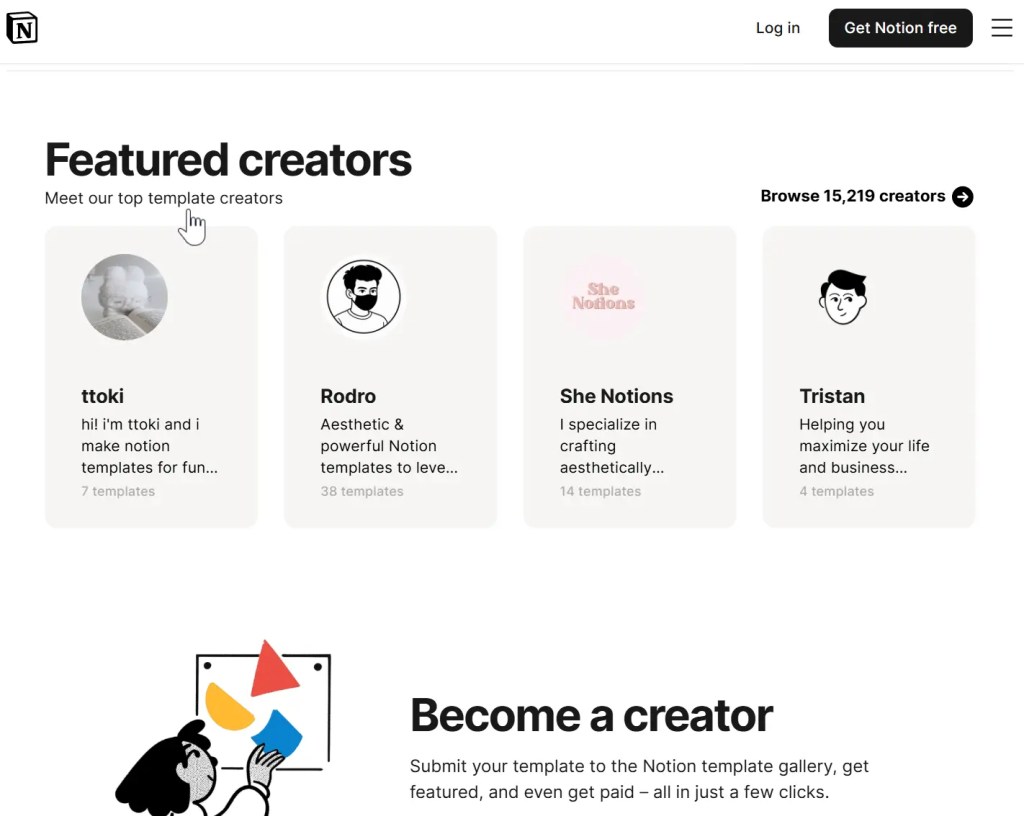
Beyond saving the current tab, you can batch-save: “Save all tabs,” or save just the selected (e.g., unpinned) tabs from the extension menu. When you’re gathering sources—multiple news tabs, a set of search results—that one-click bulk archive is a huge time-saver.
Power features that matter
What I initially overlooked: SingleFile isn’t just a blunt “save everything” tool. You can annotate the page before saving. If a page is too long or full of fluff, you can trim sections and save only what you care about—very much like a web clipper. With annotations and selective clipping, it becomes a practical way to assemble a custom knowledge base.
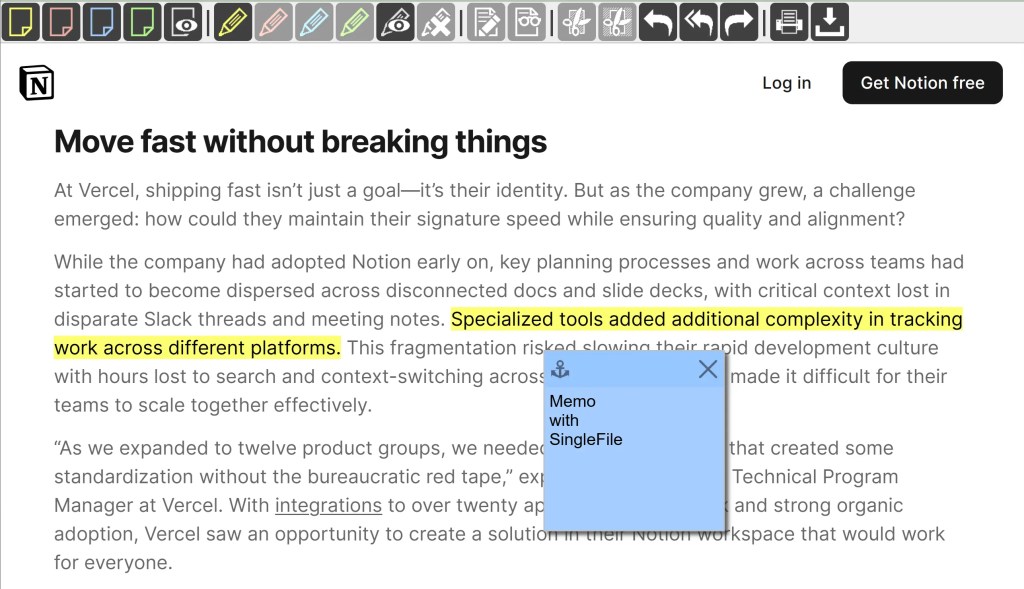
It also supports Google Drive, WebDAV, and a CLI (command-line interface). It can even integrate with Anybox (a bookmark manager App).
And it’s not just for Chrome—SingleFile works with Edge, Firefox, and Safari as well.
The trade-offs
Use SingleFile for a while and you’ll notice a couple of downsides:
- It can take a while to save (say, around 10 seconds).
- Files can be large (sometimes tens of megabytes).
That’s the cost of fetching delayed-loaded content and embedding every resource into a single file. From the perspective of serious archiving, that overhead makes sense. If you don’t need a perfect snapshot, you can always select all, copy, and paste into your notes app. Some note-taking tools (like Obsidian with the right plugin) make that instant and storage-light—but you’ll lose a lot of the page’s structure and elements. Saving the web is a trade-off.
Why SingleFile won me over
What I love about SingleFile is how single-minded it is. A lot of tools land one feature, then spiral into everything else: they start as a web clipper, morph into an all-in-one knowledge base, take over your notes, bolt on annotations and backlinks, add knowledge graphs, sprinkle in RAG search and AI Q&A, ask for your clipboard, mic, and file permissions, push account logins and card bindings, nudge you toward “annual auto-renew,” and if that fails, harvest your data for ads.
SingleFile is different. It’s open source, free, and devoted to doing one thing deeply and well: high-fidelity offline web archiving into a single file.



 My Own Sys
Leave a comment